
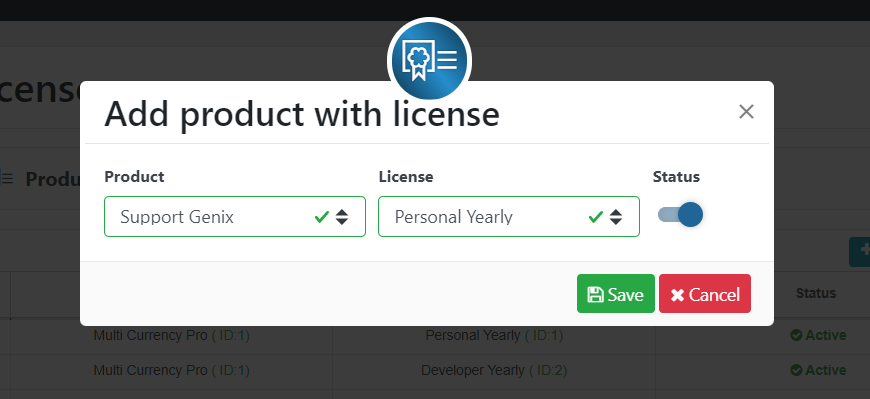
After creating a product and licenses, you need to connect the product with the required licenses from the Product Licenses menu.
- Go to Product Licenses
- Click Add New
- Select product and License.
Note: If you want to add multiple licenses for a single product, follow the above 3 steps each time.
Like, If you want to add 4 Licenses for a single product, Like Personal Lifetime, Personal Yearly, Agency Lifetime, Agency Yearly
Then, select the product and respective license for each time.


 OFF every WordPress plugin!